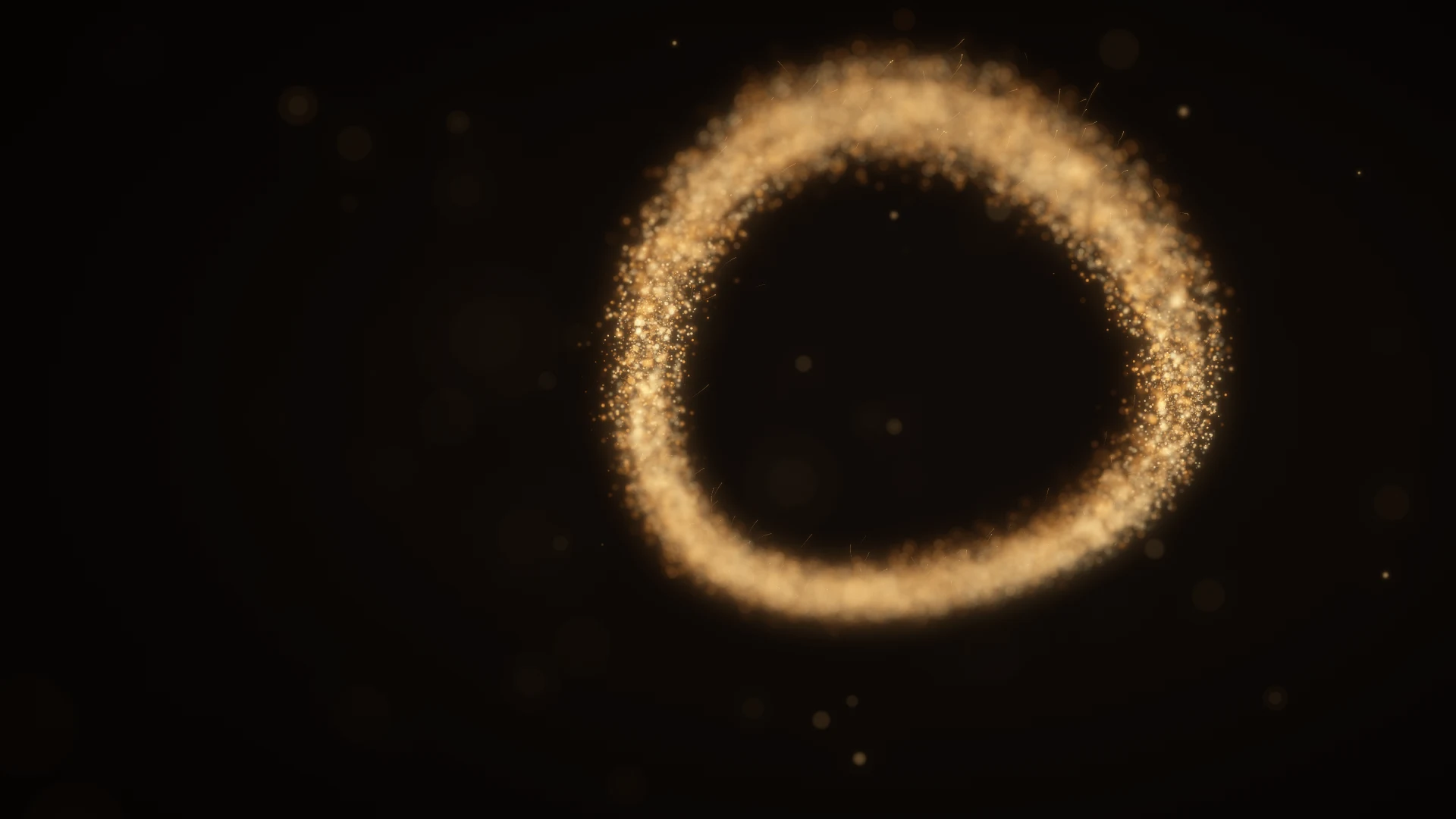
A luminous gold torus made of fine particles, with soft amber points falling out of focus.
Made with QuarkAureoleMesh emission · Turbulence · Depth of field

Particles for After Effects

Make a
little chaos.

A GPU particle system for After Effects.
Shape particles, trails, and sparks.
Stay in your composition.

GPU-accelerated particlesBuilt for Adobe After EffectsBy ASGARD Studio

Start with
something simple.

Emit from a point, volume, layer, or mesh. Set the life, size, color, and velocity of every particle.

Explore emission
Point

One origin. Any direction.

Box

Fill the space.

Sphere

A volume with a softer edge.

Layer

Begin with your artwork.

Mesh

Build from a 3D surface.

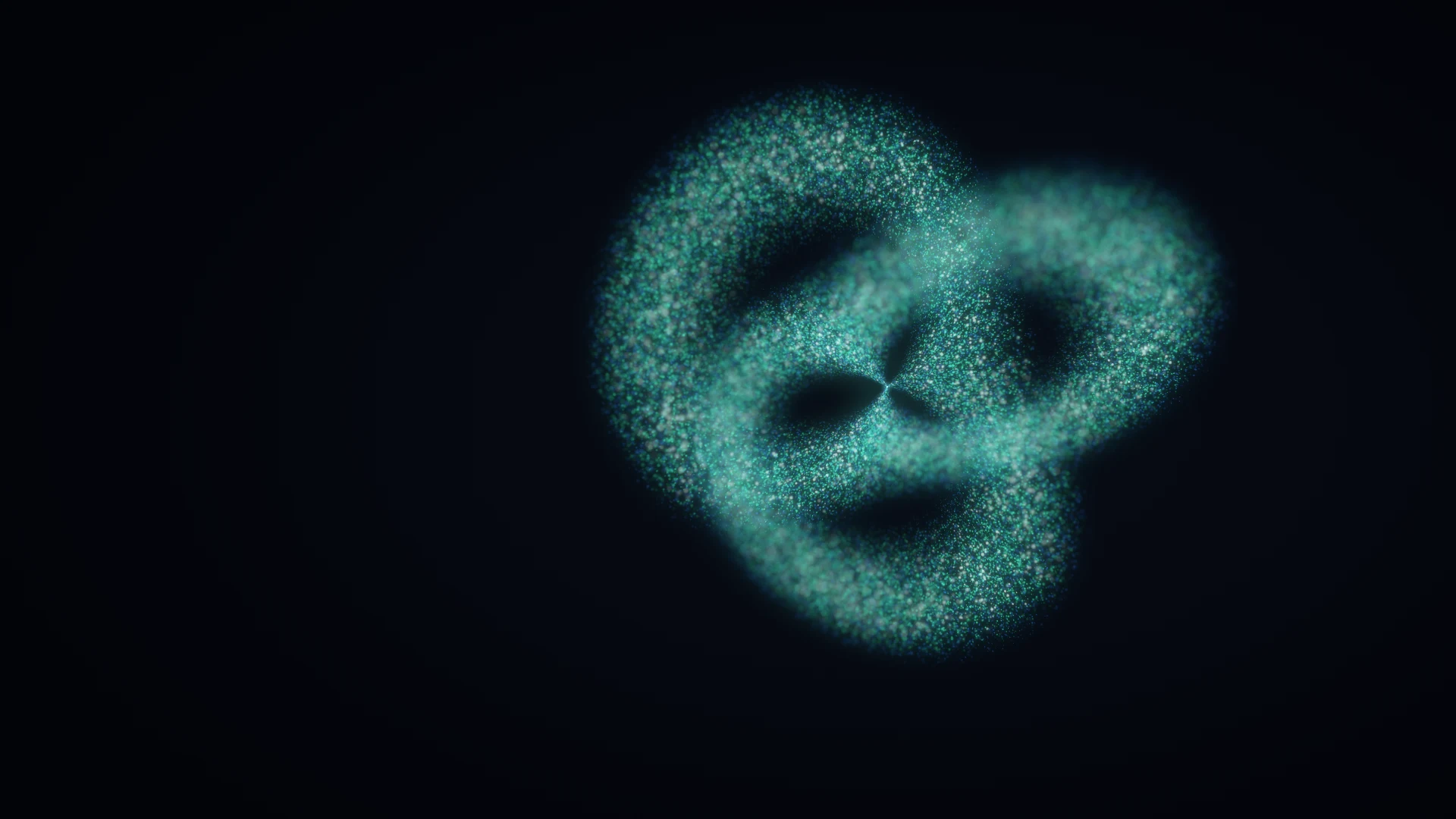
A twisting trefoil sculpture formed from fine emerald, blue, and platinum particles.
Flux Made with QuarkWatch the study

Find the flow.
Then disturb it.

Pull with attractors, add weight with gravity, and break the pattern with turbulence. Tune each field’s strength and falloff.

Explore forces & fields

A particle is
just the beginning.

Turn paths into ribbons. Let particles shed sparks.

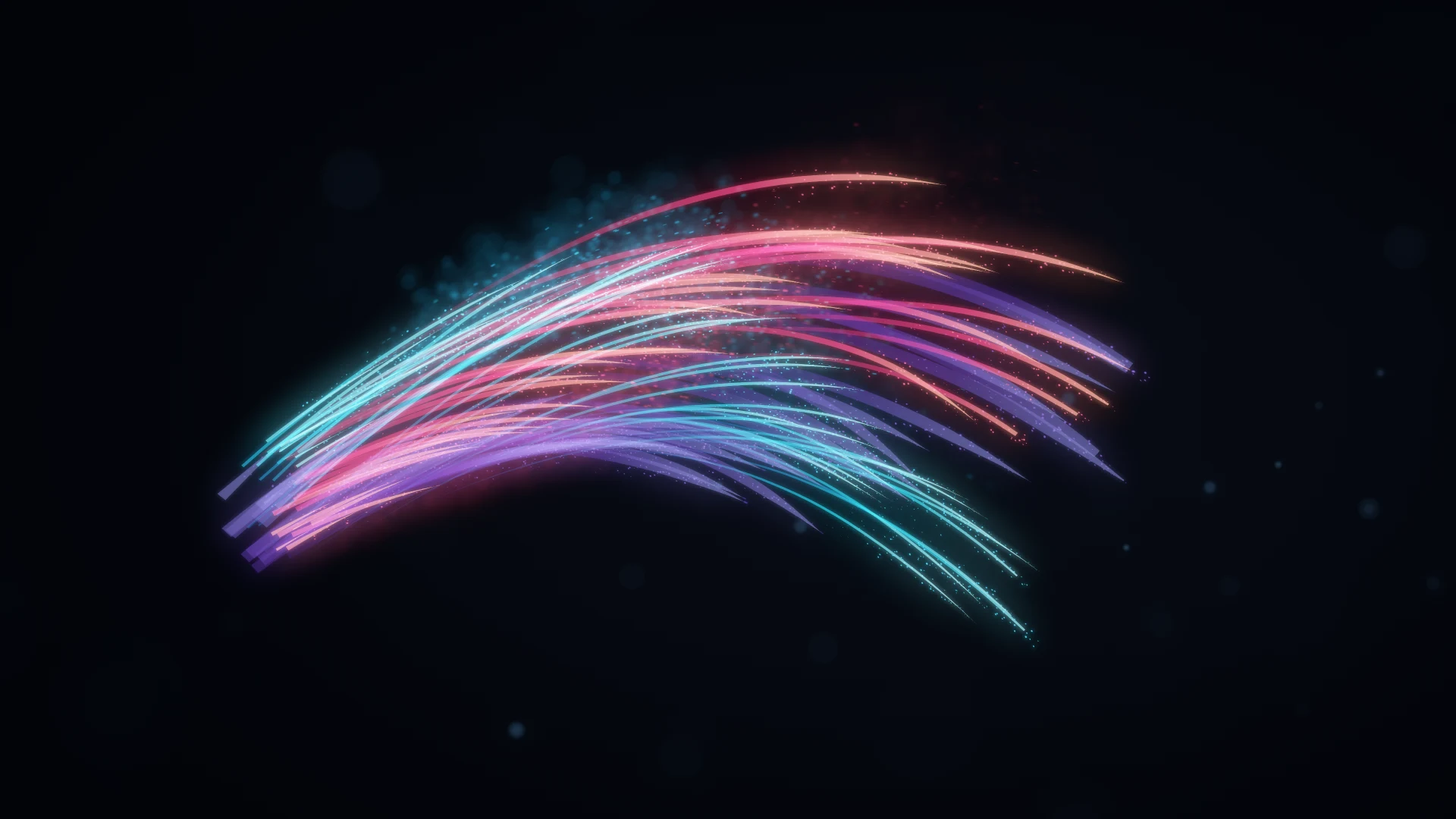
Sweeping cyan, coral, and violet particle ribbons surrounded by tiny sparks and soft points of light.
Chroma Made with QuarkWatch the study

Trails & ribbons

Give motion a memory.

Draw lines or ribbons behind particles. Shape their width, color, taper, and fade.

Explore trails & ribbons
Secondary emission

Let particles make particles.

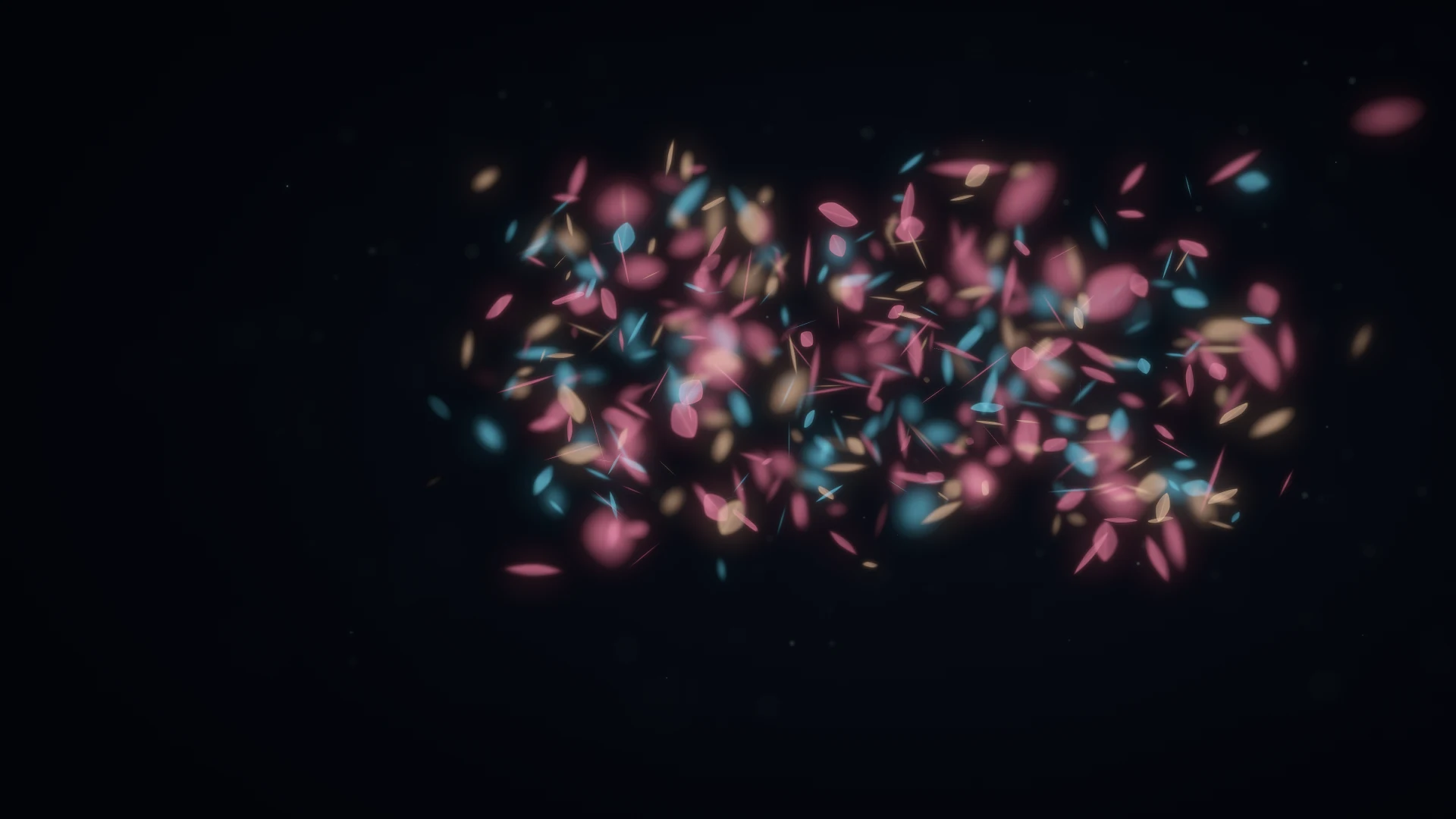
Spawn particles continuously, by distance, or at birth and death. Give them their own lifetime and motion.

Explore secondary emission

The finish is
part of the motion.

Shape fast motion with blur. Bring particles into focus and let the rest soften with depth of field.

Explore rendering

In your element.
In After Effects.

Your layers, your camera, your timeline.
All the particle controls in the effect stack.

See all features
Emission

Start with a point, fill a volume, or let your artwork define the source.

  • Point, box, and sphere emitters
  • Emission from an After Effects layer
  • Mesh file sources
  • Source layer color pickup
  • Emitter position, rotation, and size
  • Emission rate and initial velocity
Explore emission
Forces & fields

Pull particles into an orbit, let them drift, or break the flow with turbulence.

  • Gravity with directional control
  • Air resistance
  • Turbulence scale, speed, and complexity
  • Sphere and box attractor fields
  • Attraction and repulsion
  • Field strength, falloff, and region
Explore forces & fields
Trails & ribbons

Turn particle trajectories into continuous lines and camera-facing ribbons.

  • Line and camera-facing Ribbon geometry
  • Trail duration and optional maximum length
  • Width in world units or full-resolution pixels for ribbons
  • Taper and an editable width curve
  • Color gradient and opacity over trail age
  • Keep trails after parent death
  • Adaptive or fixed path sampling
Explore trails & ribbons
Secondary emission

Use primary particles as moving sources for independently aging children.

  • Continuous, Distance, On Birth, and On Death modes
  • Emission rate, spacing, or burst count
  • Source probability and parent-age emission window
  • Velocity inheritance, direction, spread, and position jitter
  • Independent child life, size, color, and opacity curves
  • Primary physics or separate gravity, drag, and turbulence
  • One generation of children; usable alongside primary trails
Explore secondary emission
Rendering

Shape the whole frame with sprites, motion blur, and depth of field.

  • Glow spheres and textured sprites
  • Per-particle sprite playback and frame selection
  • Free 3D orientation and independent axis rotation
  • Size, color, and opacity over life
  • Normal, Add, and Screen blending
  • Sampled motion blur with comp or manual settings
  • Depth of field with comp camera or manual settings
Explore rendering
After Effects

Work with your layers, your camera, and your timeline.

  • Native After Effects effect controls
  • Composition camera integration
  • Layer-based emitter and sprite inputs
  • Composition shutter settings
  • Composition camera depth of field
  • Over-source or transparent RGBA output
Explore after effects

In development at ASGARD Studio

Something is
taking shape.

Hear when Quark is ready.

Get launch updates

Good to know.

What is Quark?

A GPU-accelerated particle plugin for Adobe After Effects, in development at ASGARD Studio.

Can I download it yet?

Not yet. Release details and pricing will be announced at launch.

Which platforms will it support?

macOS with Metal is the current focus; Windows is planned. Exact compatibility will be confirmed at release.

Are the motion studies made with Quark?

Yes. All four use Quark’s particle engine, with bloom and grading added to finish the shots.

Can trails and secondary emission work together?

Yes. Chroma combines primary ribbons with independently drifting secondary particles.